WARDOGS – PremierX
Price range: $15.00 through $30.00
- Remote setup can be provided if needed.
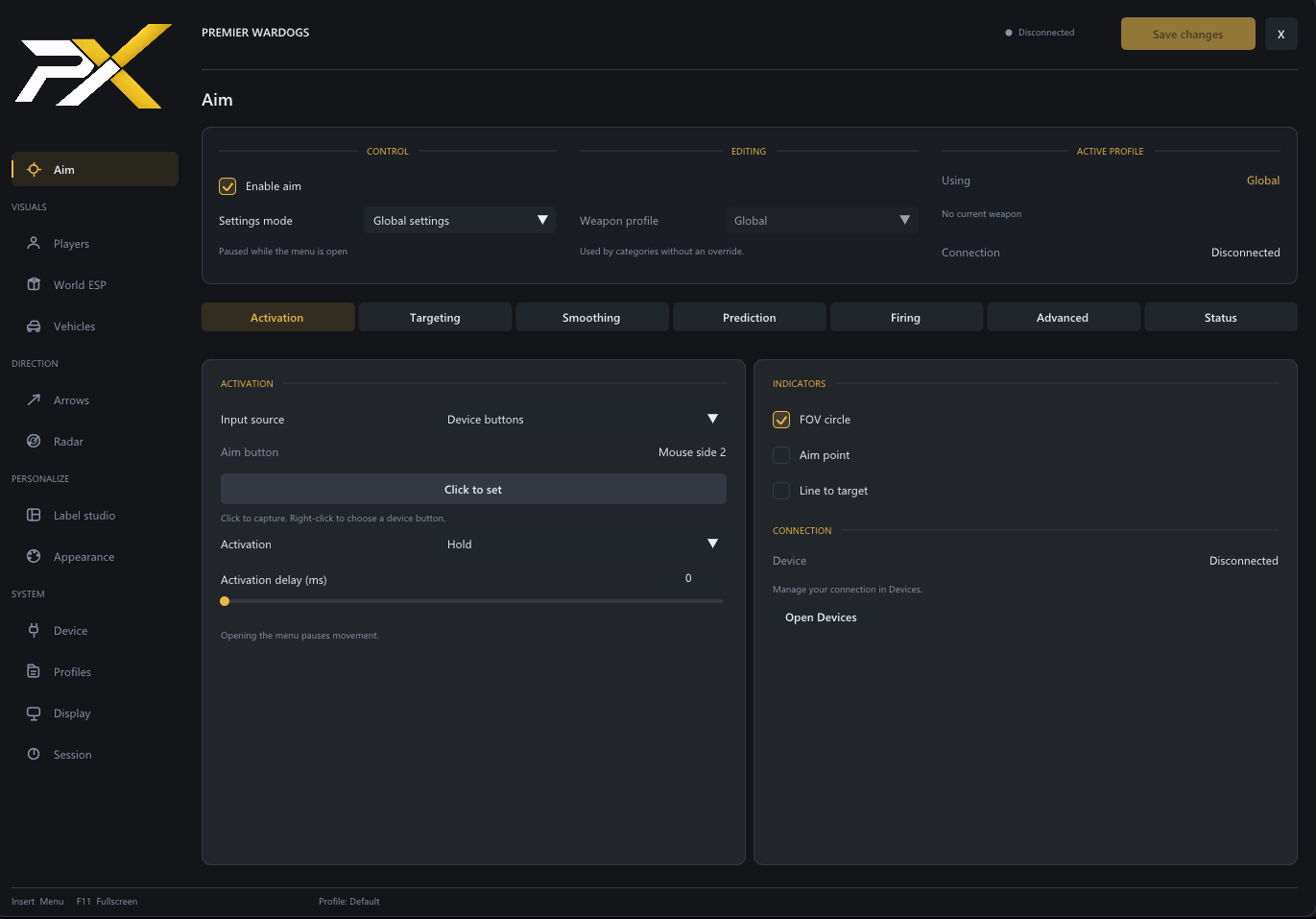
Aim assistance
- Global settings or individual weapon-category profiles.
- Categories for assault rifles, SMGs, machine guns, marksman rifles, snipers, shotguns, handguns, launchers and bows.
- Automatic category selection with manual overrides.
- Hold or toggle activation.
- Click-to-set keyboard, mouse and supported device bindings.
- Adjustable FOV and maximum targeting distance.
- Head, upper chest, chest, pelvis and nearest-body-point selection.
- Crosshair, distance, health and weighted target priorities.
- Visibility filtering and visible-target preference.
- Sticky targeting, target-switch control and configurable switching delay.
- Activation delay and minimum target-hold settings.
- Adjustable smoothing—higher values produce slower movement.
- Separate hipfire/ADS and distance-based smoothing.
- Horizontal and vertical scaling, response curve, deadzone and vertical offset.
- Optional projectile prediction using available weapon and ammunition data.
- Configurable FOV circle, aim-point marker, target line and guide colors.
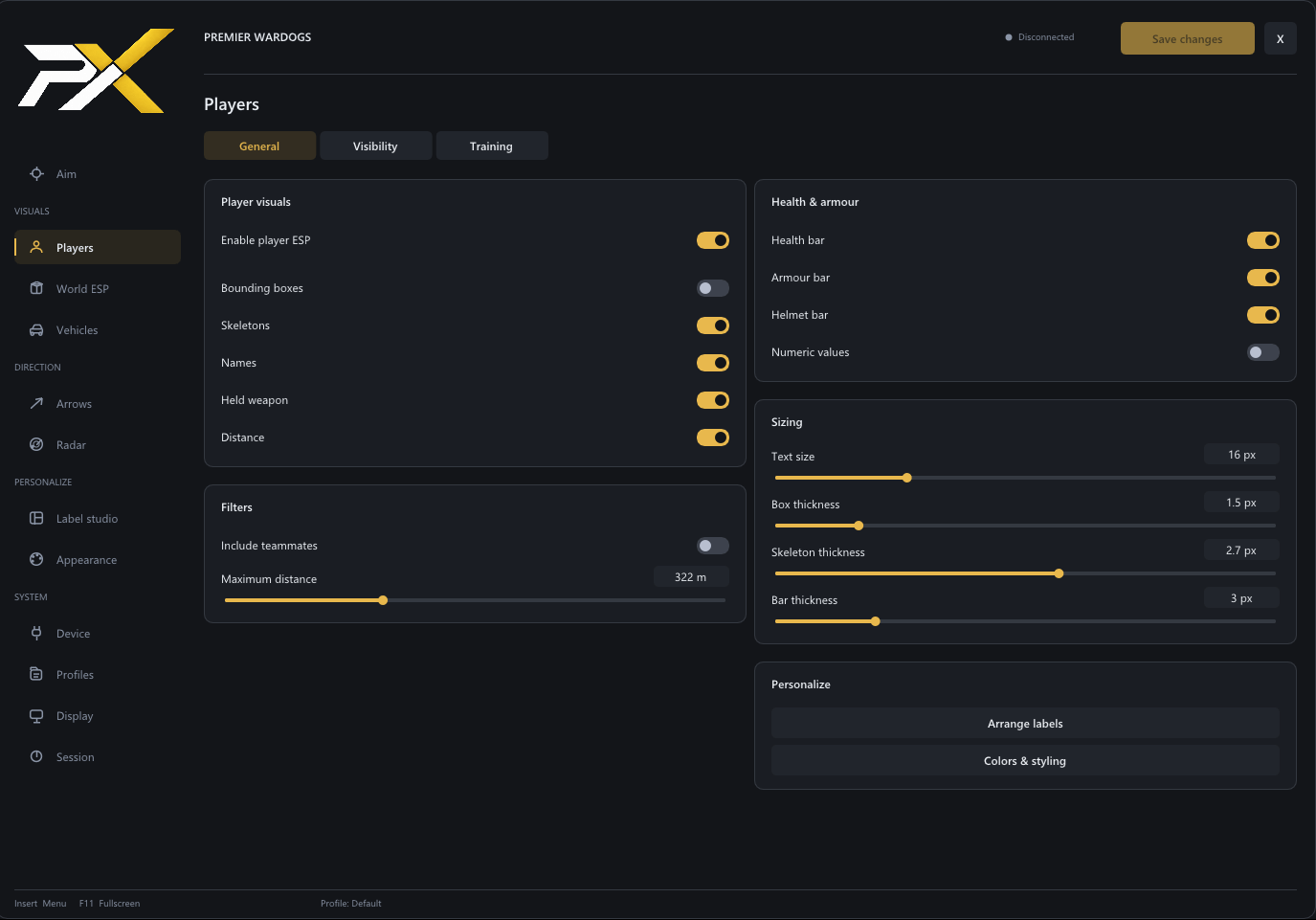
Player ESP
- Player boxes and main-body skeletons.
- Player names, held-weapon names and distance.
- Health bars with optional numeric values.
- Separate body-armour and helmet durability.
- Independent teammate and enemy colors.
- Optional visible, hidden and unknown-state colors.
- Adjustable range, text size and line thickness.
- Individual controls for each visual element.
World ESP
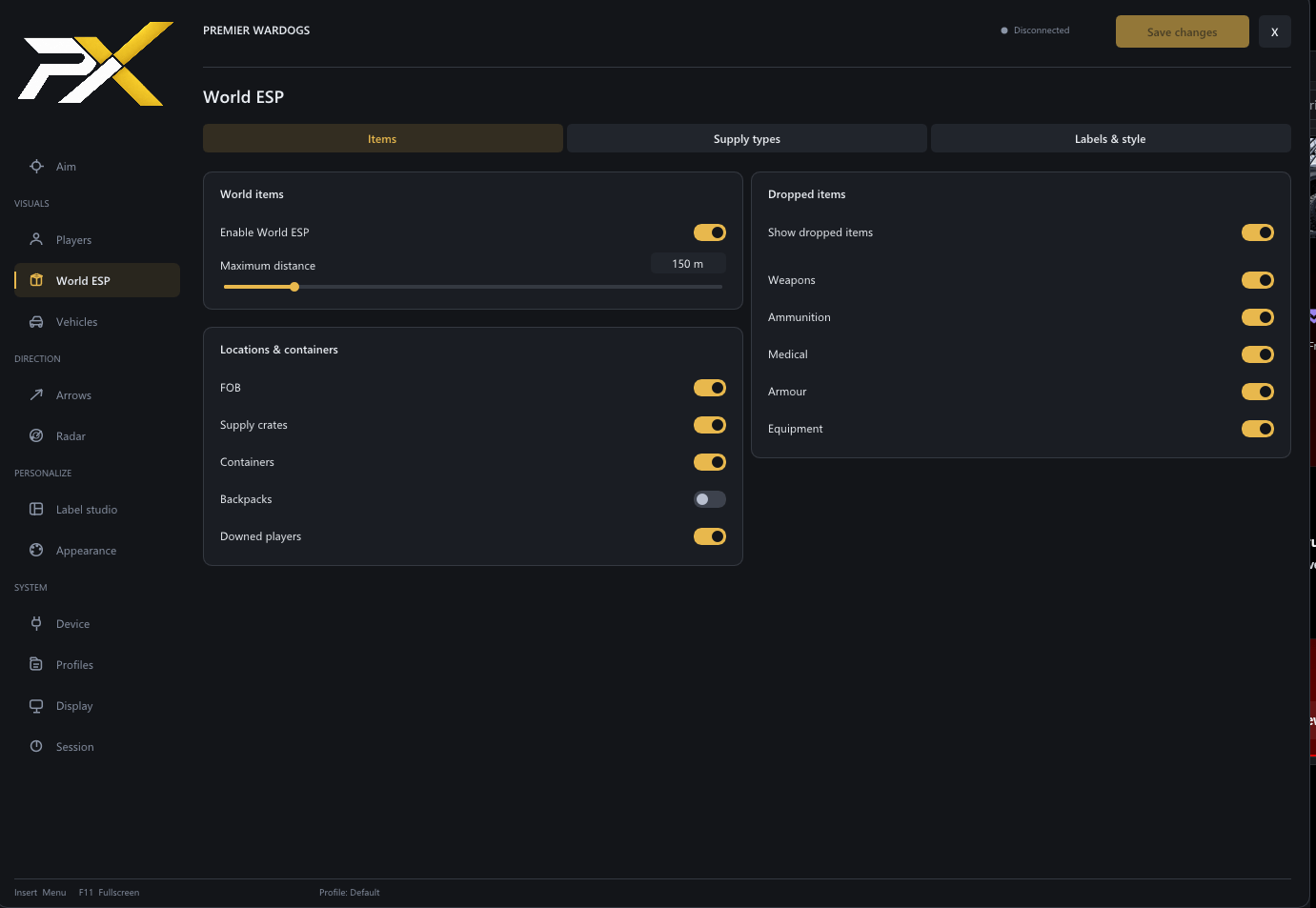
- Dropped backpacks.
- Ground items, including weapons and magazines.
- Ordinary containers.
- Forward operating bases.
- Supply crates with generic, small, large, small-armoured and large-armoured filters.
- Supply pallets and supply containers.
- Revivable players shown as Downed player markers.
- Item names, icons and distances.
- Category filters, colors and text/icon sizing.
- World ESP disabled by default for new profiles.
Vehicle ESP
- Vehicle boxes and names.
- Distance labels.
- Seat-occupancy information.
- Empty-vehicle filtering.
- Optional visibility colors.
- Independent range, color, text-size and line-thickness settings.
Radar and directional arrows
- Player markers on the minimap and expanded map.
- Map-aware positioning, zoom, rotation and boundary clipping.
- Markers follow map visibility.
- Optional player heading, names, held weapons, distance and height difference.
- Teammate filtering.
- Adjustable marker shape, size, opacity, colors and range.
- Label-overlap controls.
- Separate on-screen and off-screen directional arrows.
- Configurable arrow circle centered on the screen.
- Adjustable circle radius and optional circle guide.
Label Studio and appearance
- Drag-and-drop label positioning with a character preview.
- Custom placement for names, weapons, distances and health/armour bars.
- Vehicle and world-label customization.
- Independent colors and sizing for individual elements.
- Fixed, team-based or visibility-based color selection.
- Text backgrounds, outlines, shadows and opacity controls.
- Bar orientation and sizing.
- Placement snapping and overlap highlighting.
- Optional automatic overlap prevention.
Device options
- MAKCU Serial.
- MAKCU Controller firmware.
- KMBox B+ Serial.
- KMBox NET.
- Compatible Arduino/CH340 protocols.
- Standard MAKCU/XIM MATRIX configurations, subject to input mapping.
- Automatic connection and port detection.
- Connection-test movement button.
- Button-state monitoring and connection diagnostics.
- Adjustable connection settings and output rate.
Profiles, display and delivery
- Create, save, load and delete named profiles.
- Saved visual settings, aim-category overrides, bindings and device preferences.
- Movable and resizable menu.
- Separate overlay window with borderless fullscreen.
- Optional topmost mode.
- Independent menu and overlay monitor selection.
- Automatic display-resolution handling.
- Insert menu toggle and F11 fullscreen shortcut.
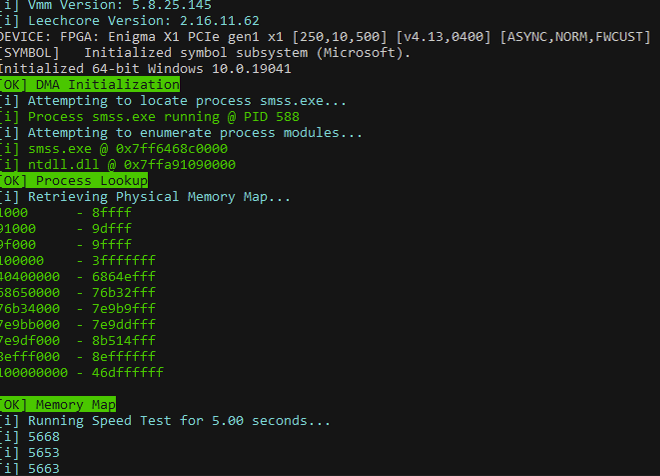
- Live performance and connection diagnostics.
- Premier Loader delivery and product updates.
- Separate startup-progress console.
- Embedded branding and runtime components.
Explanation of DMA/Fuser/Kmbox
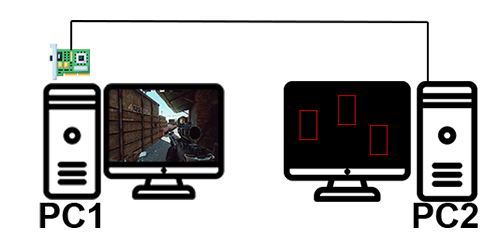
DMA Card
Clean screen on your game PC. All ESP is on your 2nd PC.
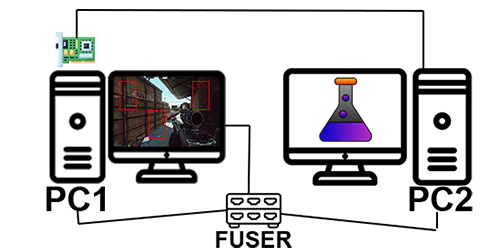
DMA Card+Fuser
ESP is on your game screen. Second monitor can be turned off.
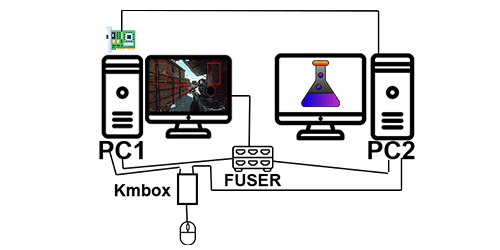
DMA Card+Fuser+Kmbox
ESP is on your game screen. Second monitor can be turned off. Aimbot works on your mouse through the Kmbox.
FAQ
Our DMA cheats work on any windows 10 and windows 11 based computer.
All license keys are delivered instantly. All software can be downloaded here after purchasing.
You will not have to install anything extra on your gaming PC to use DMA cheats. You will have to install the loader and any dependencies to your 2nd PC to use the product.
No changes have to be made to your gaming PC. For your 2nd PC you will be required to set up your computer to operate in a cheating environment. This includes but is not limited to: turning off anti virus, disabling secure boot, turning off your firewall, etc. Please see here for more information.
We have multiple support channels available on this page.